Keep the paperwork together
Store receipts, invoices and purchase records by month or business. Share a selection when preparing an expense report.
A little structure. A lot less searching.
A receipt for this month. Progress on a client's project. Notes for tomorrow's class. Folder Snap saves each new photo into the folder you choose, so finding it later starts with knowing where it belongs.
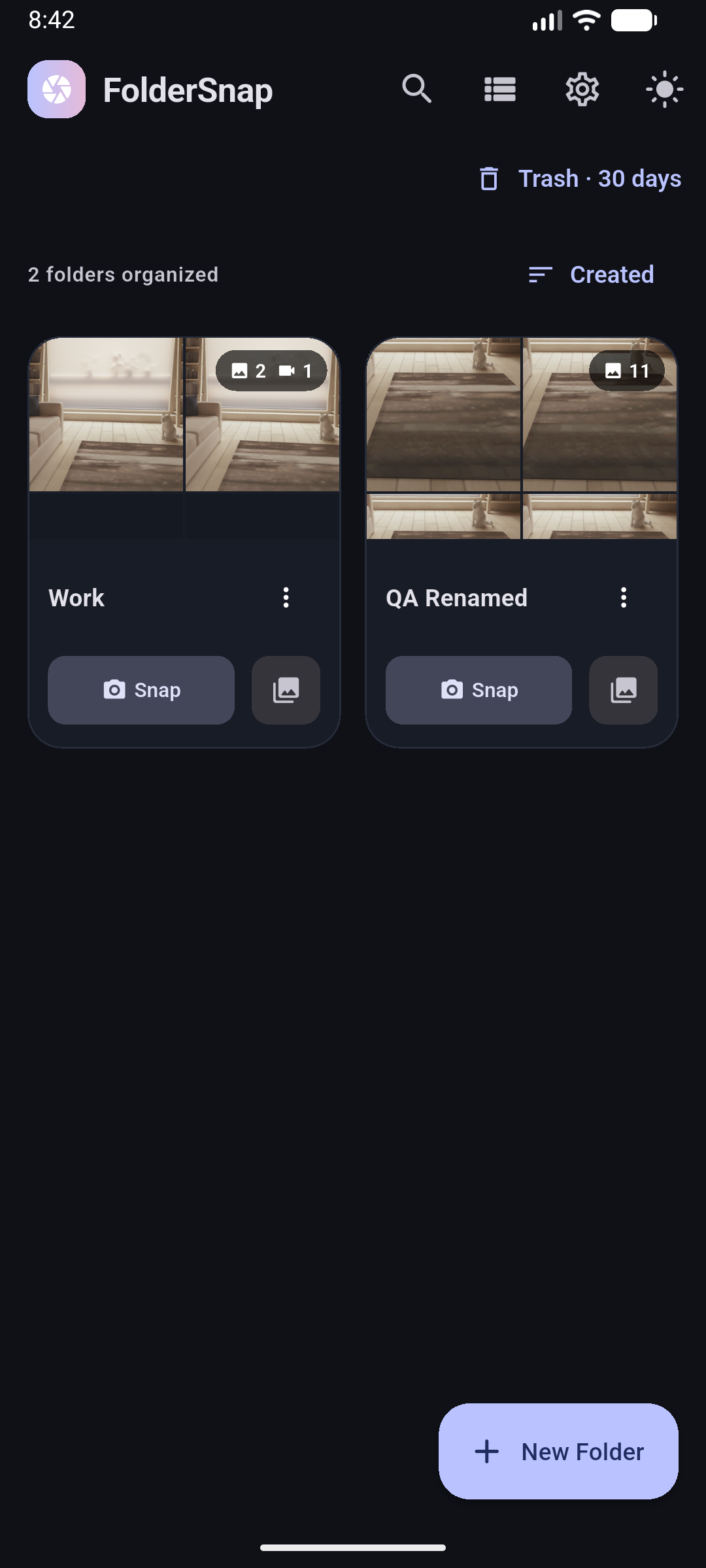
Folder Snap on Android. Your folders, all in one place.
Organize once, at the start
Instead of leaving every new photo in one mixed collection, start with its destination. Folder Snap adds a simple routine to photo-heavy work.
| The everyday task | With Folder Snap |
|---|---|
| Collecting expense receipts | Open Receipts, choose the month's subfolder, and capture the next receipt there. |
| Documenting several client jobs | Keep a folder for each client and subfolders for separate visits. |
| Sending a project update | Select the relevant photos or export the whole folder as a ZIP. |
| Getting back to a regular task | Use a favourite folder or a home-screen camera shortcut. |
| Deleting the wrong photo | Restore it from Folder Snap's 30-day Trash before it expires. |
Built around real days
Store receipts, invoices and purchase records by month or business. Share a selection when preparing an expense report.
Separate site photos by client, project and visit. Continuous capture helps you record several views without repeatedly reopening the camera.
Group inspection photos, repair progress and appliance labels by property or room. Date groups help you browse each visit.
Keep whiteboard photos, diagrams and handwritten notes in course folders. Favourite the subjects you open most often.
Capture product photos and video clips into project folders. Move selected files and share the set you need for your next listing.
Choose a trip or event folder before taking photos. Use subfolders for different days or places and bring in media shared from other apps.
Simple, with control where it counts
You do not need an account to capture and organize photos. The core tools work offline, and Folder Snap saves media on your device.
Local storage is not a backup. Keep your own copies of important media. Other gallery apps can see active photos; deletion verification does not turn folders into a locked vault.
Read the privacy policy →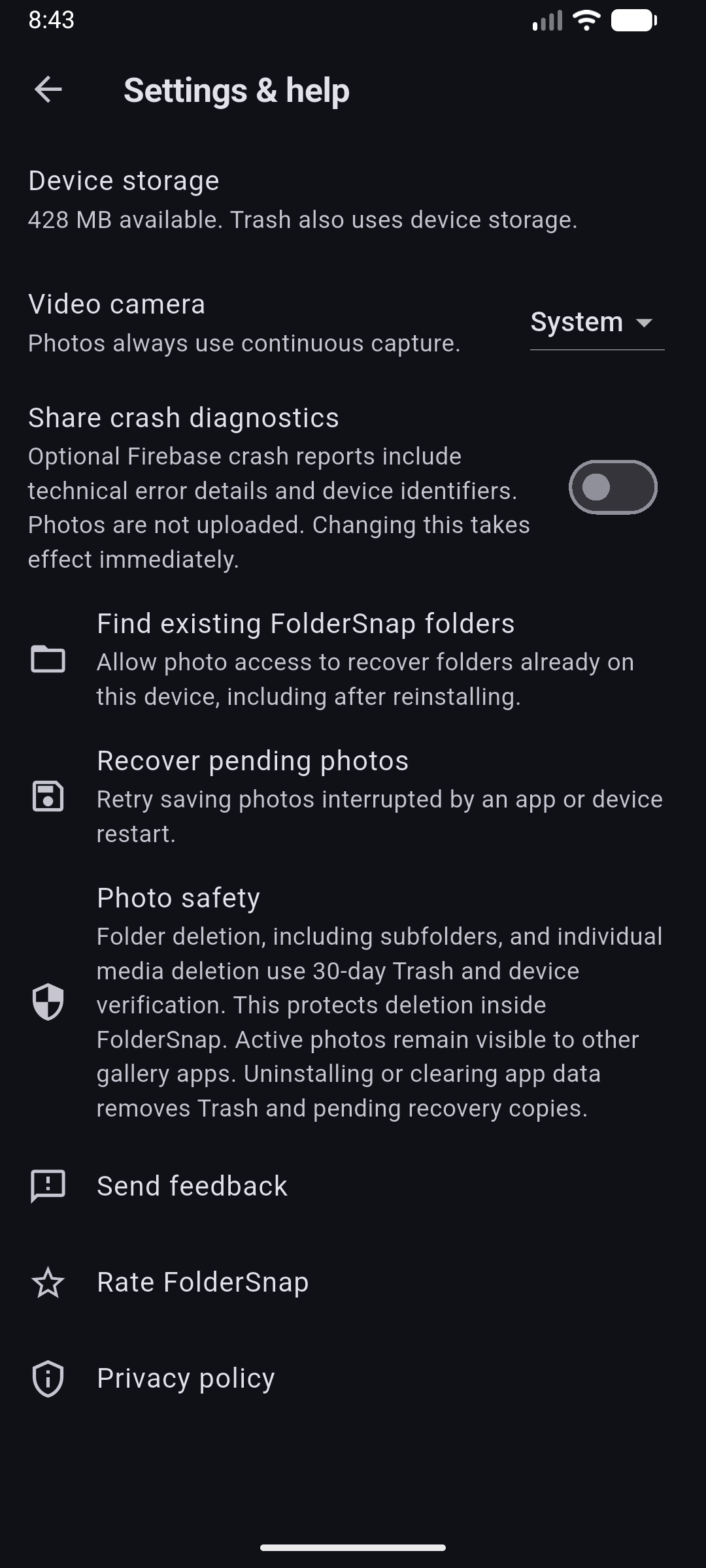
Before you download
No. It helps you choose a folder before capturing new photos. You can also import media shared from other apps and move selected items between Folder Snap folders.
Yes. Core capture and organization work locally without an account. Opening online services, sending feedback or sharing to online destinations requires a connection.
Folder Snap does not automatically back up your media. Use ZIP export, Android Files or sharing to keep a separate backup wherever you choose.
Media and folders deleted inside Folder Snap move to Trash after device verification. Restore them before expiry. Trash uses storage; uninstalling or clearing app data removes Trash and pending recovery copies.
Folder Snap is available for Android. Download it through Google Play to check compatibility with your device.
Start with one folder
Create a folder, take a few photos, and find them right where you expect.