Bring in existing media
Share photos and videos from other Android apps to Folder Snap, choose a destination, and import copies while keeping the external originals untouched.
Folder Snap features for Android
Give every photo a home before you take it. From continuous capture to subfolders and ZIP exports, Folder Snap keeps everyday photo work together on your Android phone.
A closer look at Folder Snap on Android.
01 / Capture into the right folder
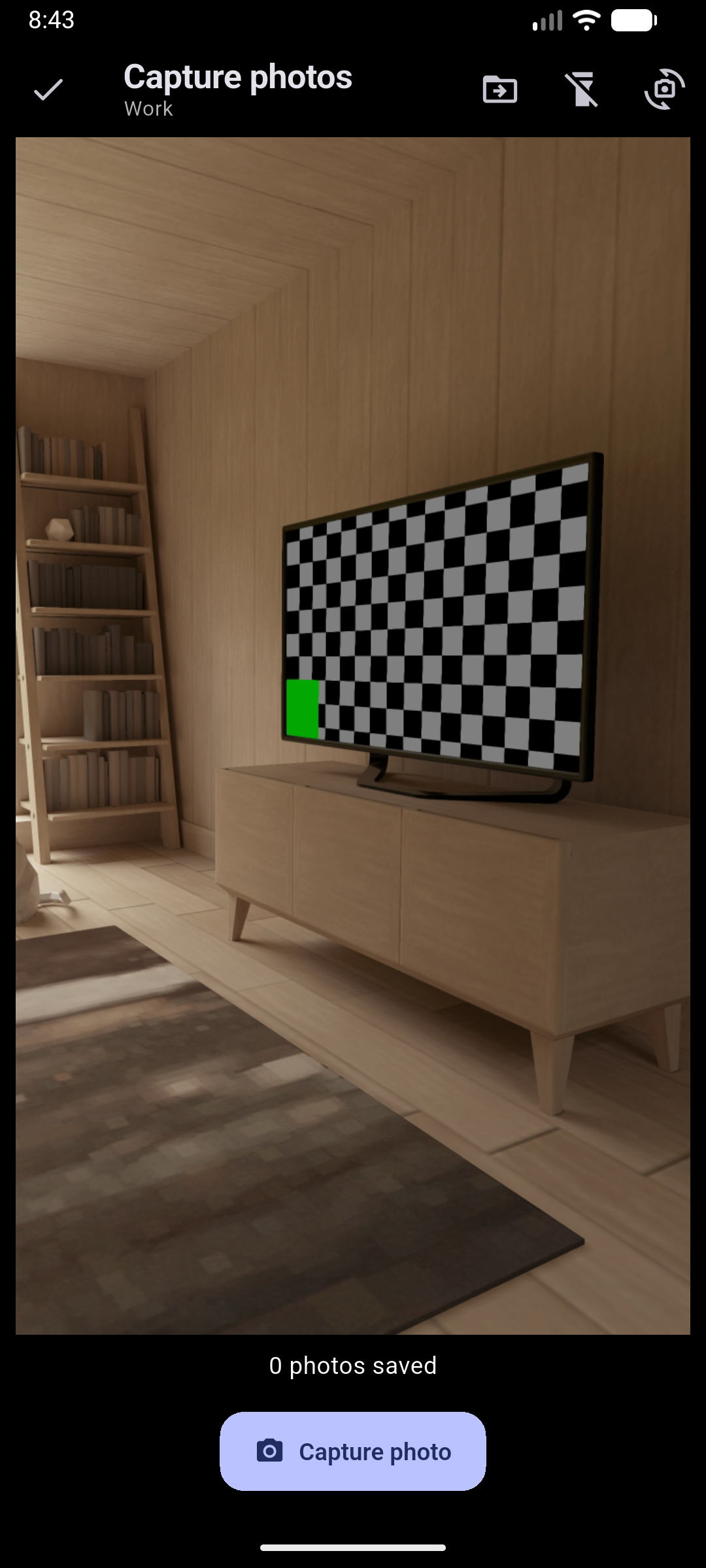
Choose a folder and take several photos without reopening the camera between shots. Each photo is saved to your selected destination.
Camera controls and shortcut availability depend on your device and Android launcher.
02 / A place for every project
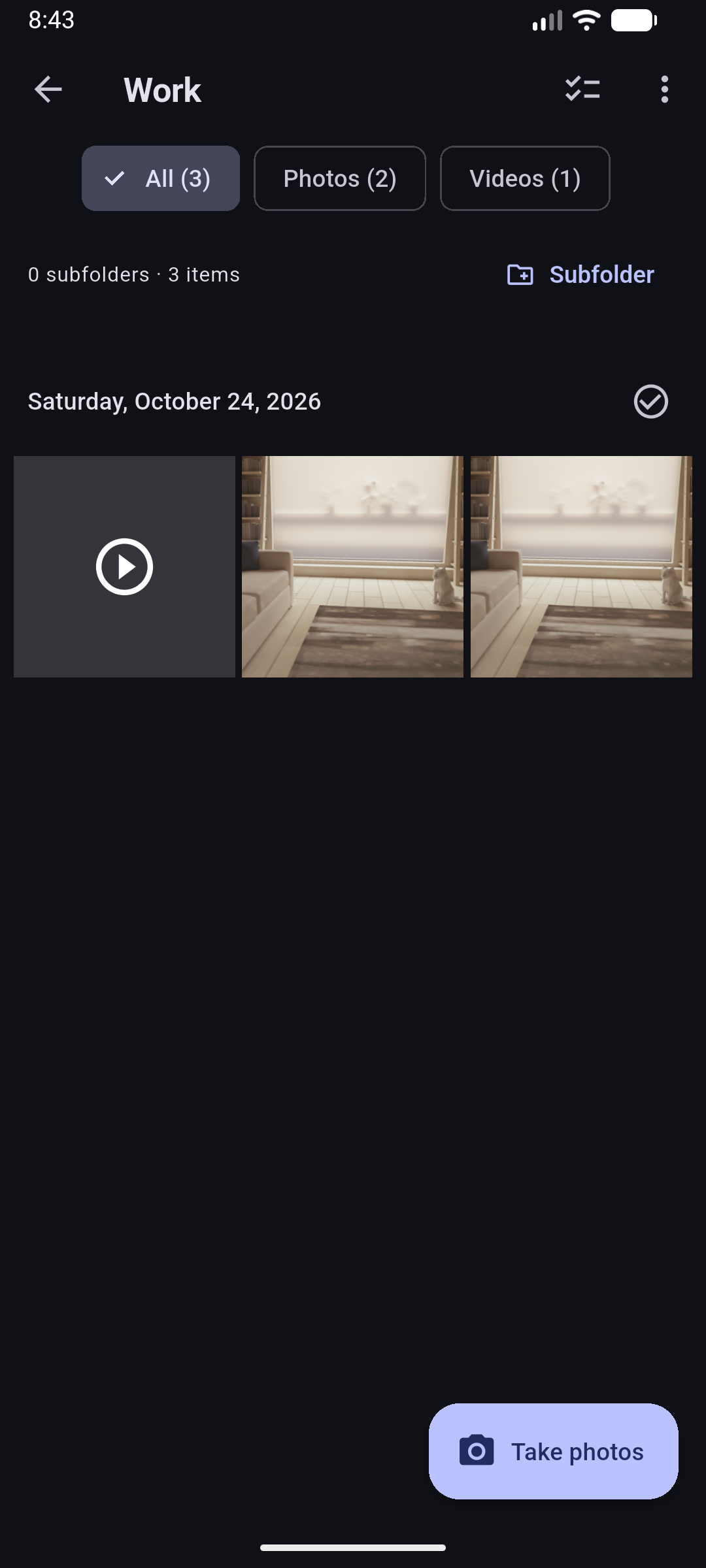
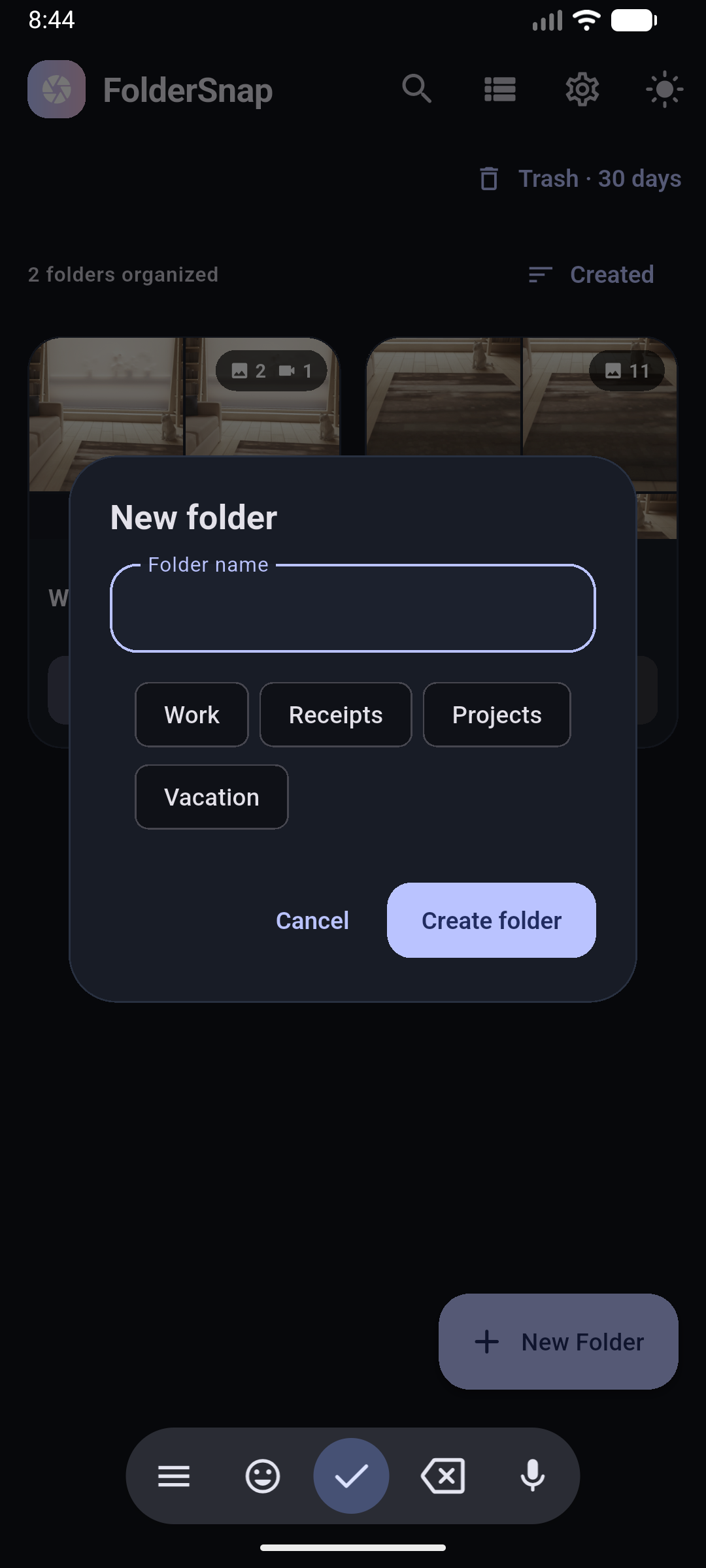
Keep receipts, site visits, trips and personal projects separate. Add subfolders when a project needs more structure.
03 / Find, move & share
Browse by date, narrow the gallery to photos or videos, and select the files you need without hunting through your entire camera roll.
Sharing uses the apps installed on your phone. Folder Snap does not provide automatic cloud backup.
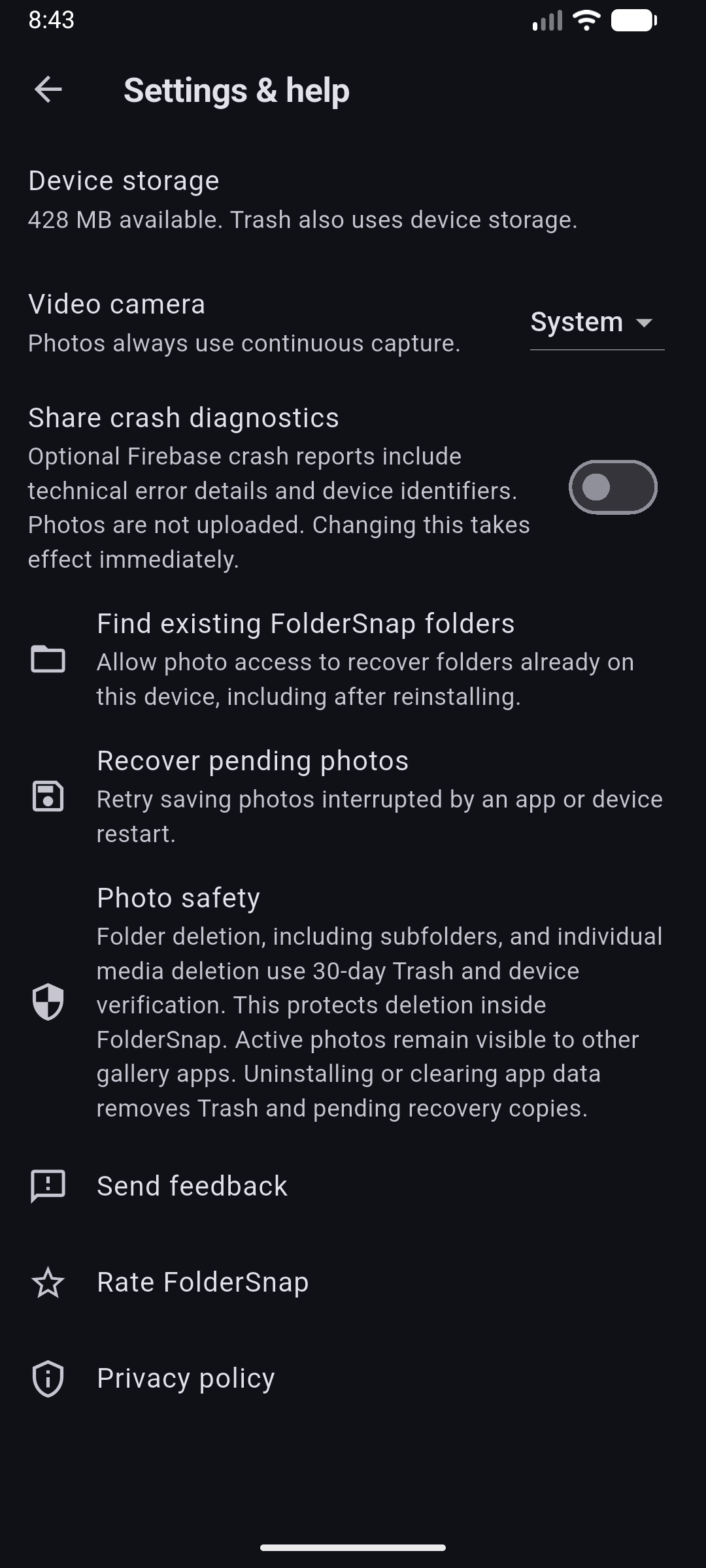
04 / More control over your files
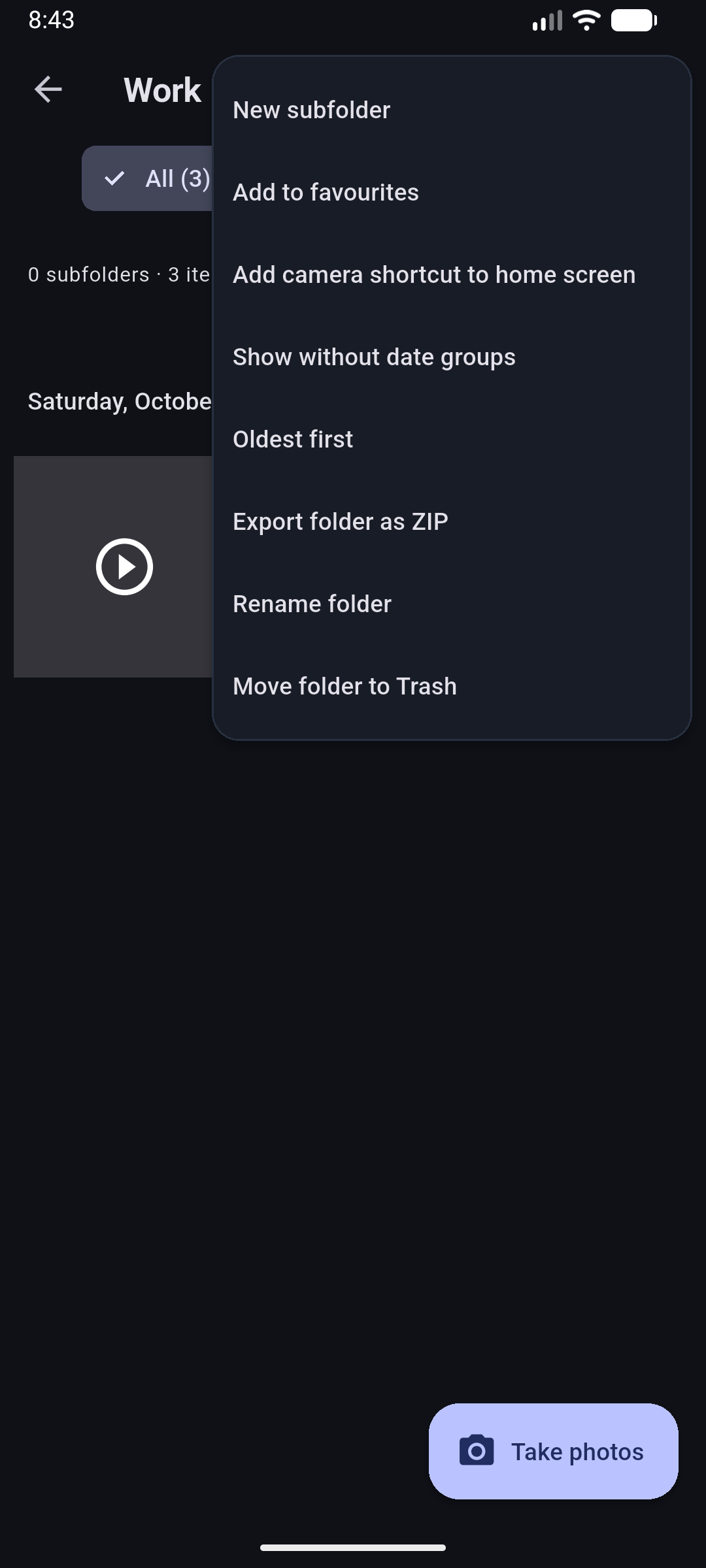
Folder and media deletion inside Folder Snap uses device verification and 30-day Trash, giving you time to restore an accidental deletion.
Trash uses device storage. Expired items are permanently removed. Uninstalling or clearing app data removes Trash and pending recovery copies. Active media remains visible to other gallery apps; Folder Snap is not a private photo vault.
Small details, less friction
Share photos and videos from other Android apps to Folder Snap, choose a destination, and import copies while keeping the external originals untouched.
Verified copying checks file content. Matching content can reuse an existing copy; a different file with the same name gets a new name instead of overwriting your original.
Switch between light and dark appearance. Your folder views, gallery ordering and camera preference are remembered on your device.
Core photo capture, folder browsing and organization work offline. Media is stored locally; online sharing destinations need their own connection.
Crash reporting is off by default in the current app. Enable or disable it in Settings. Photo and video files are not included in crash reports.
Find storage information, recovery tools, feedback, the Play Store listing and privacy information in one place.
Less sorting starts here
Free on Android. No account required.